Sharing Your Crate
Share an unlisted, read-only link to your vinyl collection.
Visitors can browse your crate without creating an account.
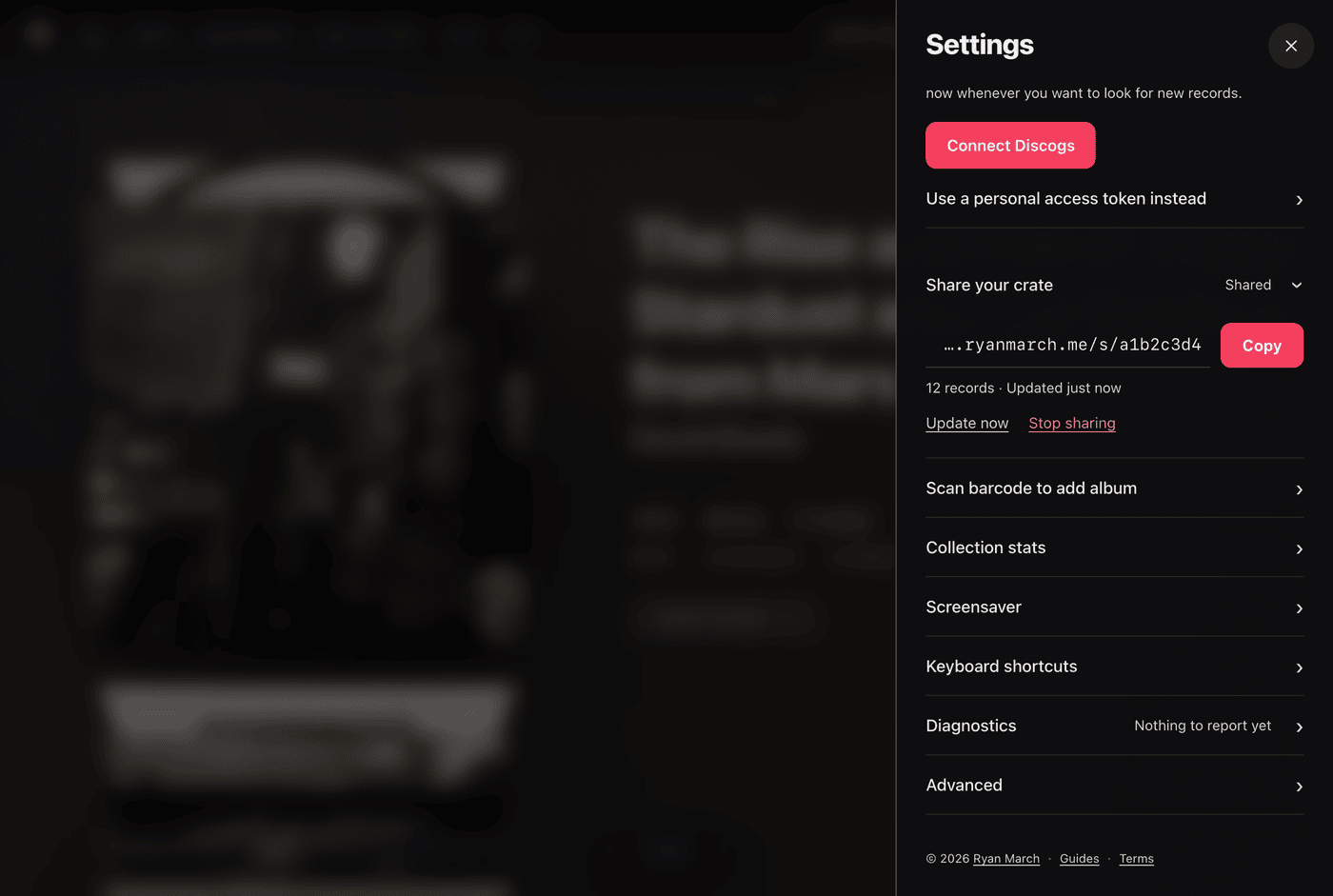
Creating a Share Link
Create a share link in Settings:
- Open Settings from the top navigation.
- In the Share your crate section, click Create a link.
- Copy your unique web address (formatted as
https://spindex.ryanmarch.me/s/...).
The link is unlisted and accessible only to people who have the exact address.
Privacy and Security Safeguards
Shared snapshots exclude private collection data:
What visitors can see:
- Album titles, artist names, and release years
- High-resolution album cover artwork
- Tracklists and song titles
- Pressing formats and vinyl disc colors
- Genre tags and liner notes
What is excluded:
- Personal collector notes
- Media and sleeve condition ratings
- Purchase dates and acquisition prices
- Account credentials, access tokens, and email addresses
The Visitor Experience
When someone opens your share link:
- A banner indicates they are browsing a shared crate.
- They can use the 3D flipping stack, grid view, list view, search, and gatefold inspector.
- Viewers can switch back to their personal collection at any time.
Updating or Revoking Access
You retain full control over your shared crate:
- Update Now: When you add new records to your collection, click Update now in Settings to publish the latest records to your existing link. Your share link URL remains unchanged.
- Stop Sharing: Click Stop sharing at any time to immediately delete the snapshot from the server. The link will cease working for all visitors.