Browsing Records & View Modes
Browse your collection using Stack, Grid, or List view.
Navigate records using touch gestures, mouse wheel scrolling, or keyboard shortcuts.
Switching Views: Stack, Grid, and List
Use the view switcher in the header (or floating pill on mobile) to toggle between browsing formats:
- Stack View (1): 3D record crate showing album covers lined up in order.
- Grid View (2): View multiple albums at a time.
- List View (3): A compact list of albums showing artist, album title, release year, format, and genre tags.

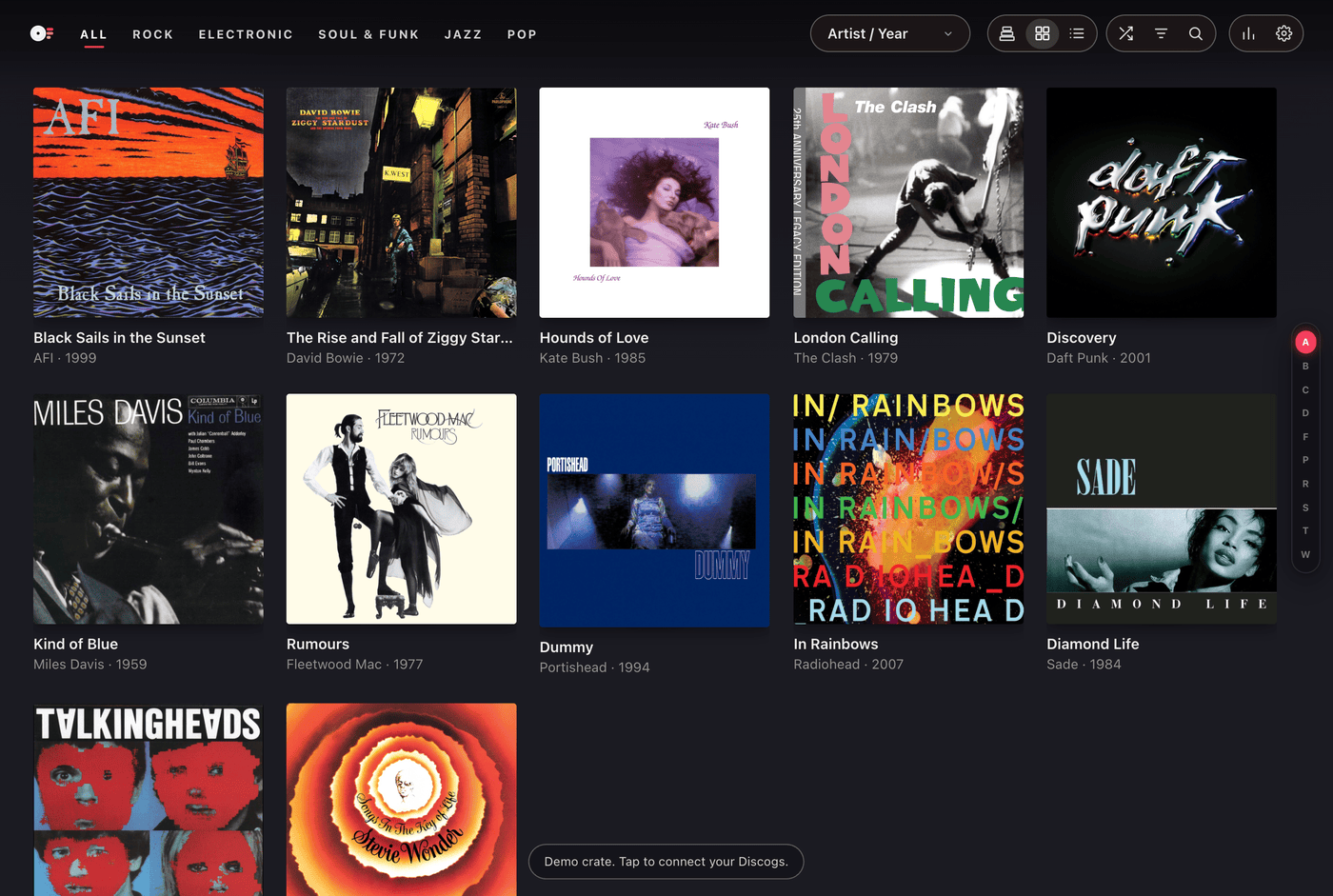
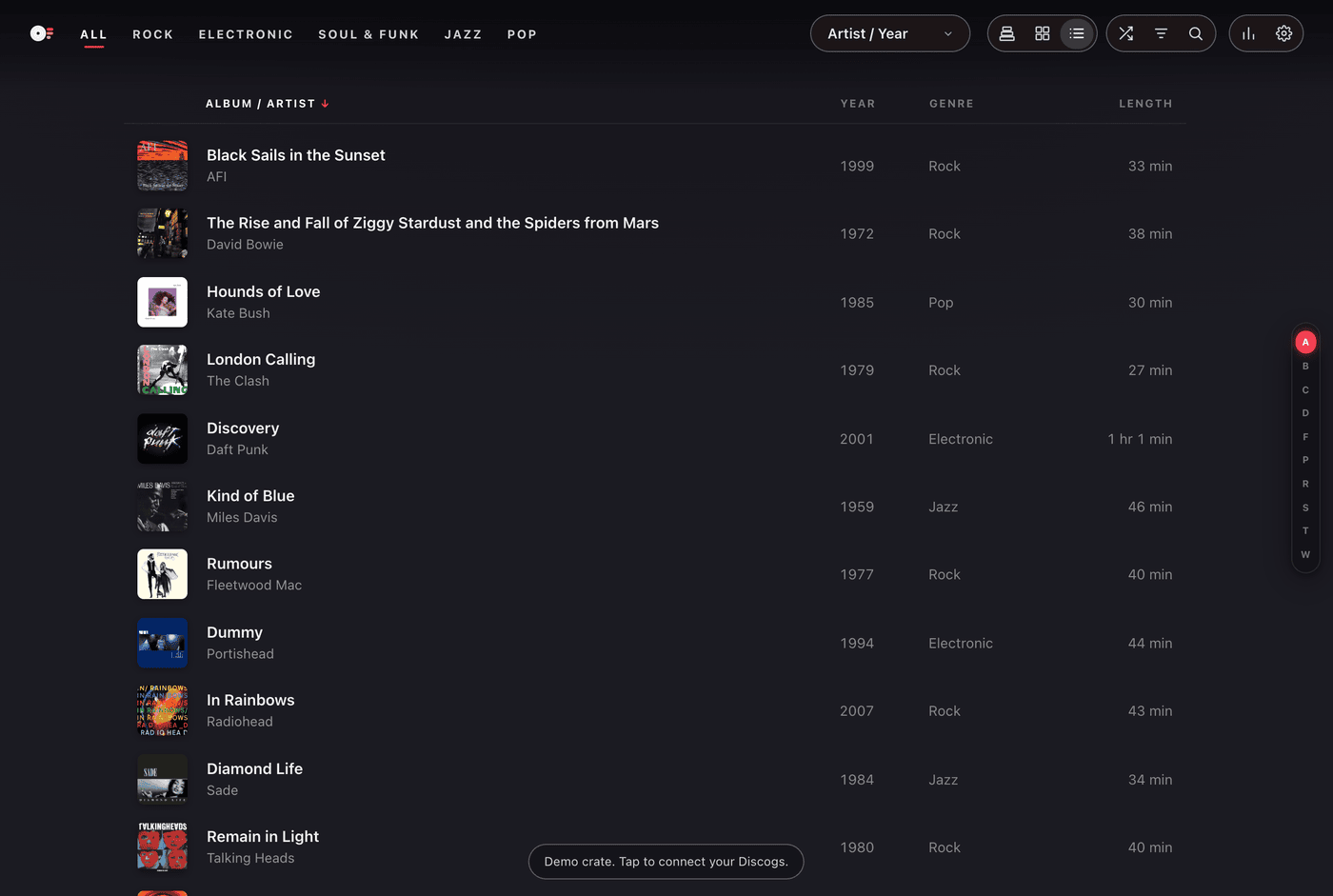
3D Crate Gestures and Controls
The default Stack view showcases your collection in a vertically-scrolling stack of album covers:
- Flip through records: Scroll up or down over the stack to smoothly flip through records. Click on any record peeking out from behind the front sleeve to view it.
- Ambient Glow: Enjoy color-matched backgrounds to help set the mood for the album.
Keyboard Shortcuts
Use keyboard shortcuts to navigate without a mouse:
- ↑ / ↓ or ← / →: Move forward and backward through records.
- Enter: Open the active record gatefold sleeve to inspect tracklists, liner notes, and lyrics.
- A to Z: Jump instantly to the first record by an artist starting with that letter.
- /: Focus the search bar.
- 1, 2, 3: Toggle between Stack, Grid, and List views.
- 4: Launch full-screen Screensaver mode.
- Esc: Close any active drawer, album sleeve, or modal.
- ?: Open the keyboard shortcuts reference card.
Using the Jump Rail
Along the right edge of the screen, an interactive jump rail displays either alphabetical markers (A to Z) or decade markers depending on your current sorting order.
Click or drag along the rail to jump directly to a letter or decade.